Power Ace Login: How to Access Your Account on Mobile and Desktop
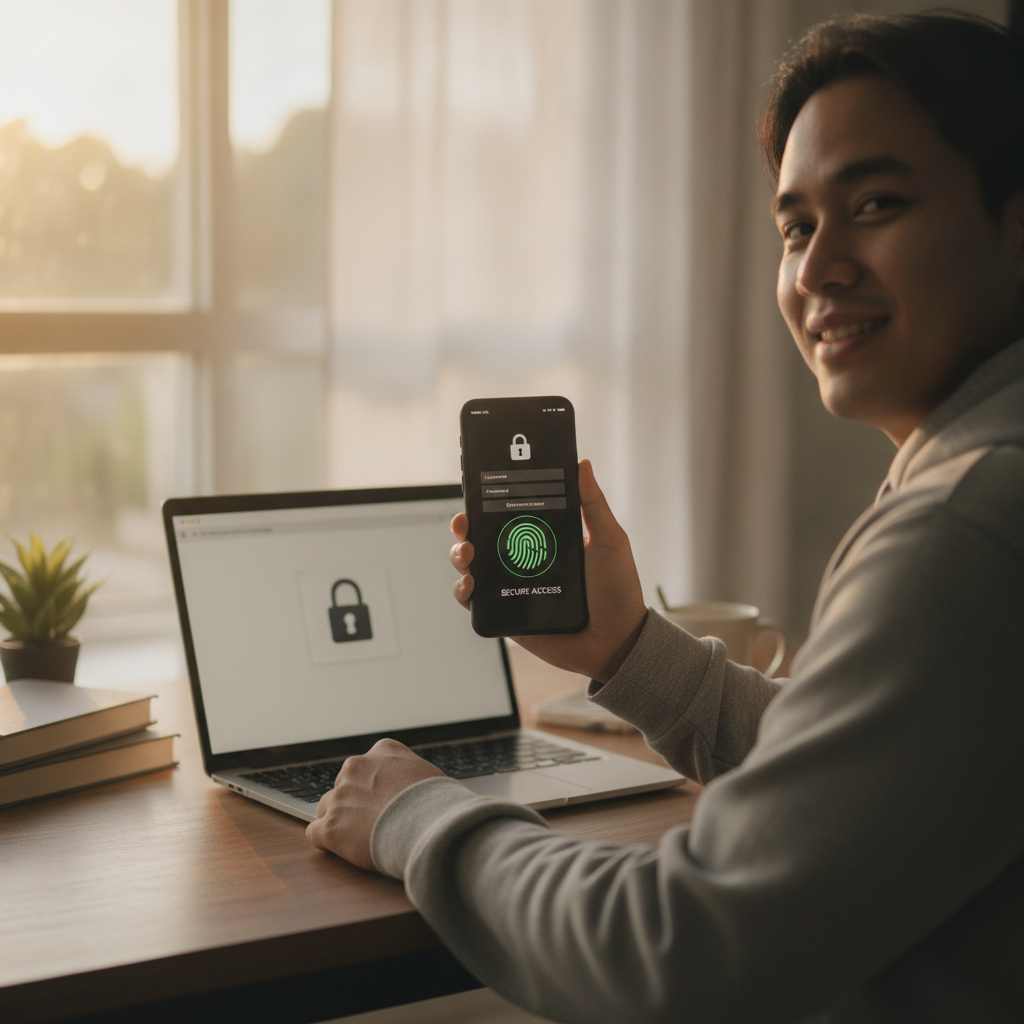
Where to Find the Power Ace Login Page on Mobile Browser and Desktop
Accessing your Power Ace account starts with finding the login page. The process is slightly different depending on whether you're using a mobile browser on your Android phone or a desktop computer.
On mobile browser:
Open your preferred browser—Chrome, Firefox, or Safari—and type the Power Ace website address into the address bar. Once the homepage loads, look for the Login button at the top-right corner of the screen. On some mobile layouts, this button may appear as a small icon showing a person silhouette or an account symbol. Tap it to reach the login form.
If the site menu is hidden, tap the three-line "hamburger" icon (usually at the top-left or top-right) to expand the navigation. The login option will appear near the top of that menu.
On desktop:
Open your browser and navigate to the Power Ace website. The Login button is prominently displayed in the upper-right corner of the homepage. It's labeled clearly and sits beside the registration or sign-up option. Click it to open the login page.
Both mobile and desktop versions bring you to the same secure login form where you'll enter your credentials.
Bookmark the login page:
To save time on repeat visits, bookmark the Power Ace login page on your phone or desktop. On Android Chrome, tap the star icon in the address bar and save it to your home screen or bookmarks folder. This way, you skip the homepage and go straight to login.
Entering Your Username and Password: Common Mistakes Filipino Players Make
Once you're on the Power Ace login form, you'll see two fields: one for your username (or registered email/mobile number) and one for your password. Entering these correctly is straightforward, but many Filipino players run into avoidable errors.
Using the wrong credentials:
Power Ace typically allows you to register with a mobile number or email address. Double-check which one you used when signing up. If you registered with your mobile number, enter it in the correct format—usually 09XXXXXXXXX with no spaces, dashes, or country code. If you used an email, type the full address including @gmail.com or your provider's domain.
Caps Lock and typos:
Passwords are case-sensitive. If your password includes capital letters, make sure Caps Lock isn't accidentally turned on. This is especially easy to miss on mobile keyboards. A password like PowerAce2024! is different from powerace2024!.
Filipino players often switch between English and Tagalog keyboards. Before typing your password, confirm you're in the correct keyboard mode. An accidentally enabled emoji keyboard or predictive text can insert unwanted characters.
Extra spaces:
Mobile autocorrect sometimes adds a space after the username or before the password. These invisible characters cause login failures. If you're copying and pasting credentials from a notes app or password manager, check for leading or trailing spaces.
Forgotten credentials:
If you honestly can't remember your username or password, look for the Forgot Password? or Forgot Username? link below the login form. Power Ace will guide you through a recovery process, usually by sending a verification code to your registered mobile number or email.
What to Do If You Can't Log In: Checking Internet Connection and Browser Cache
Login problems are frustrating, but most can be solved in a few minutes. Here's how to troubleshoot when Power Ace login won't work on your mobile or desktop.
Check your internet connection:
A weak or unstable connection is the most common cause of failed logins in the Philippines, especially in provinces where mobile data can be slow. Test your connection by opening a different website or app. If pages don't load, switch from mobile data to Wi-Fi, or vice versa. Restart your router or toggle Airplane Mode on and off to reset your phone's connection.
Power Ace login requires a stable connection to communicate with the server. If you're in a low-signal area, move closer to a window or find a spot with better reception.
Clear your browser cache and cookies:
Old cached data can interfere with the login form. On Android Chrome, tap the three-dot menu icon, go to Settings > Privacy and security > Clear browsing data. Select Cookies and site data and Cached images and files, then tap Clear data. Restart your browser and try logging in again.
On desktop Chrome, press Ctrl + Shift + Delete (or Cmd + Shift + Delete on Mac) to open the clear-data menu. Choose the same options and clear the cache.
Update your browser:
Outdated browsers sometimes can't load modern login forms correctly. Check the Google Play Store (for mobile) or your browser's settings (for desktop) to make sure you're running the latest version. Power Ace works best on recent versions of Chrome, Firefox, and Safari.
Try a different browser or device:
If clearing the cache doesn't help, open Power Ace in a different browser. If you normally use Chrome, try Firefox or your phone's built-in browser. Alternatively, log in from a different device—borrow a friend's phone or switch from mobile to desktop—to rule out device-specific issues.
Disable VPN or proxy:
Some Filipino players use VPNs to improve privacy or access blocked sites. However, VPNs can sometimes conflict with Power Ace's security systems. Temporarily disable your VPN and try logging in with your regular connection.
Contact support:
If none of these steps work, reach out to Power Ace customer support. Most Philippine-facing casinos offer live chat or Viber support during local business hours. Explain the issue and provide your registered mobile number or email so they can check your account status.
Keeping Your Login Secure: Tips for Password Safety on Android Phones
Protecting your Power Ace account is essential, especially when you're logging in on a mobile device you carry everywhere. Filipino players should take a few simple precautions to keep their login credentials safe.
Use a strong, unique password:
Avoid common passwords like 123456, password, or your birthday. A strong Power Ace password combines uppercase and lowercase letters, numbers, and symbols—something like M@nilaB3t2024!. Don't reuse the same password across multiple sites. If another service gets hacked, attackers could try your credentials on Power Ace.
Enable screen lock on your phone:
Set a PIN, pattern, or fingerprint lock on your Android device. If your phone is lost or stolen, this stops anyone from opening your browser and accessing saved login sessions. Go to Settings > Security > Screen lock to configure it.
Use a password manager:
Apps like Google Password Manager (built into Chrome) or third-party tools like Bitwarden store your passwords securely and auto-fill them when you log in. This eliminates typos and means you don't need to remember complex passwords. Just protect the master password or use biometric unlock.
Log out after each session:
If you're playing Power Ace in a shared space—at a computer shop, library, or on a borrowed device—always log out when you're done. On mobile, it's convenient to stay logged in, but consider logging out if you lend your phone to someone else.
Beware of phishing sites:
Scammers create fake Power Ace login pages to steal usernames and passwords. Always double-check the website address in your browser's address bar before entering credentials. Bookmark the real Power Ace site and use that link every time. Legitimate casinos never ask for your password via email, text, or social media.
Avoid public Wi-Fi for deposits:
While it's generally safe to browse Power Ace on public Wi-Fi, avoid making deposits or entering sensitive financial information on unsecured networks. Stick to your mobile data or a trusted home Wi-Fi connection when handling GCash, Maya, or bank transfers.
Update your password regularly:
Change your Power Ace password every few months, especially if you suspect your account has been accessed without permission. Use the account-settings menu to update your password from your phone or desktop.
21+ Reminder and Responsible Play Message
Power Ace is strictly for players aged 21 and above. Online casino games and sports betting are forms of entertainment that carry financial risk. Before you log in and play, set a budget you can afford to lose and stick to it.
If you find yourself chasing losses, spending more than planned, or feeling anxious about gambling, take a break. Power Ace and similar platforms offer self-exclusion and deposit-limit tools in the account settings. Use them if you need help managing your play.
For support with problem gambling in the Philippines, reach out to a trusted friend, family member, or a counseling service. Gambling should be fun, not a source of stress or financial hardship.
Quick recap:
- The Power Ace login page is found in the top-right corner on both mobile browsers and desktop.
- Enter your username (mobile number or email) and password carefully—watch for Caps Lock, extra spaces, and keyboard mode.
- If login fails, check your internet connection, clear your browser cache, update your browser, or try a different device.
- Keep your account secure with a strong password, screen lock, and caution around phishing sites.
- Remember: Power Ace is for adults 21+ only. Play responsibly and within your budget.
This guide is an independent resource to help Filipino players understand how to access Power Ace. It is not operated by or affiliated with the casino itself.