Power Ace Account Verification: ID Requirements for Filipino Players
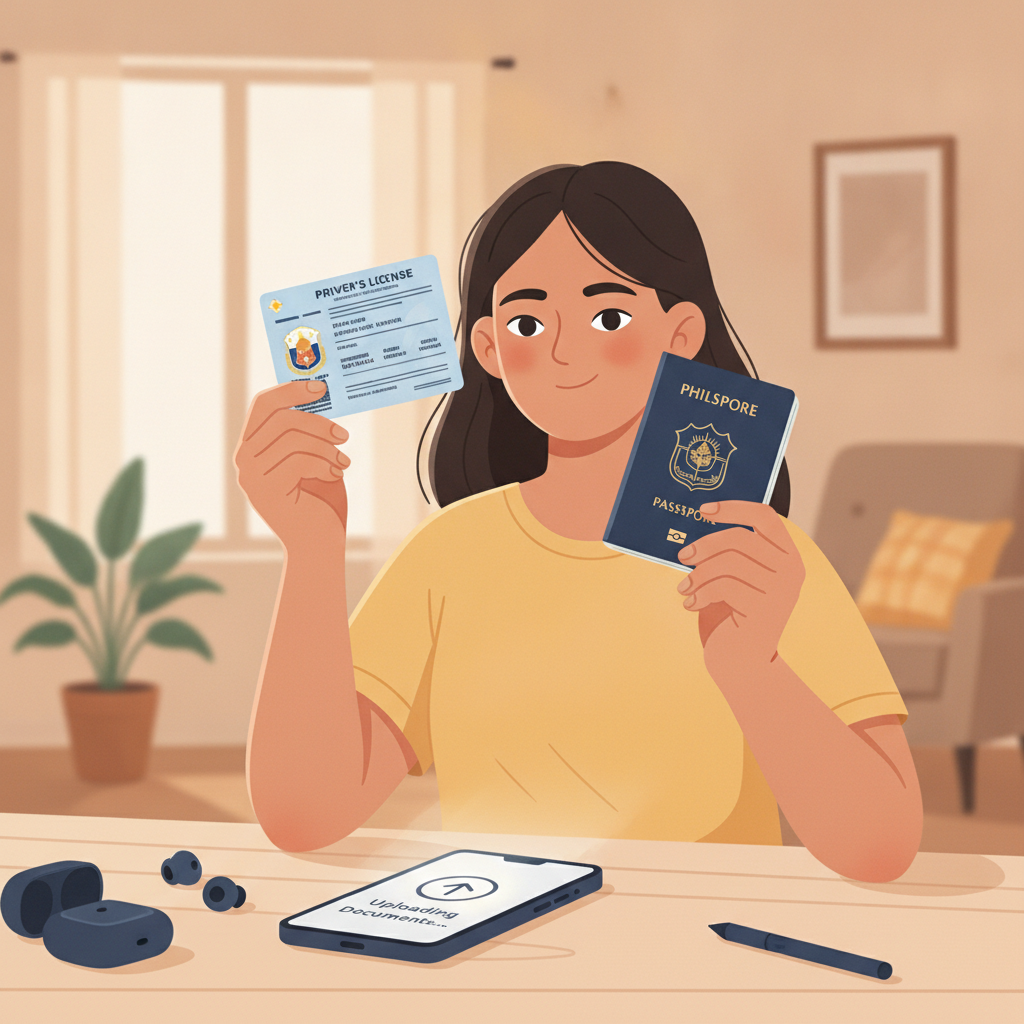
Why Power Ace Requires ID Verification
Power Ace asks Filipino players to verify their identity before they can make deposits or place bets. This step confirms you are at least 21 years old and helps protect your account from unauthorized access.
When you finish the Power Ace register process and log in for the first time, the platform will prompt you to upload a valid Philippine ID. Until verification is complete, you cannot fund your account or play slots, live dealer games, or bet on PBA and NBA matches.
The verification process applies to every player. It checks that the name on your account matches your government-issued ID and that you meet the minimum age requirement. This is standard practice for online casinos and sportsbooks operating in the Philippines.
Accepted Philippine IDs
Power Ace accepts four types of government-issued identification from Filipino players. All documents must be current and show your full name, date of birth, photo, and ID number clearly.
Driver's License
The Land Transportation Office driver's license is the most commonly used ID for Power Ace verification. Both the card format and the older paper license with lamination are accepted, as long as the photo and text are readable.
Philippine Passport
Your passport works for verification even if it is close to expiry, provided the expiration date has not yet passed. The bio-data page—the one with your photo, full name, date of birth, and passport number—is the page you need to photograph or scan.
PhilSys ID (National ID)
The Philippine Identification System ID issued by the PSA is accepted. If you have the physical card, use that. If you only have the PhilSys Number and a printed transaction slip from your registration, check with Power Ace support whether that format is sufficient; most platforms prefer the actual card.
UMID
The Unified Multi-Purpose ID from SSS, GSIS, Pag-IBIG, or PhilHealth is widely accepted. Make sure the card shows your photo, full name, and birth date. Older UMID versions without a photo are usually not accepted for online casino verification.
What Power Ace does not accept:
Barangay IDs, company IDs, school IDs, voter's IDs, and senior citizen cards are typically not valid for verification because they lack uniform standards or do not include all required data points.
How to Upload Your ID Documents Through the Mobile Interface
Most Filipino players use Power Ace on Android phones, and the upload process is designed for mobile. Follow these steps after you complete the Power Ace login.
Step 1: Navigate to account settings
Tap the menu icon—usually three horizontal lines—at the top left or right of the screen. Look for "Account," "Profile," or "Verification." The exact label varies, but it is always under your account section.
Step 2: Select the ID type
Power Ace will present a dropdown or list of accepted IDs. Choose the document you have ready: driver's license, passport, PhilSys ID, or UMID.
Step 3: Take or upload a photo of the front
Tap "Upload Front" or "Take Photo." If you use your phone camera, hold the ID flat on a dark surface under good light. Avoid glare from overhead bulbs or windows. Make sure all four corners of the ID fit in the frame and that text and photo are sharp.
If you already have a clear photo saved in your gallery, tap "Choose from Gallery" instead. The file should be JPEG or PNG, under 5 MB.
Step 4: Upload the back of the ID
Driver's licenses, UMID, and PhilSys cards have information on both sides. Tap "Upload Back" and repeat the process. Passport holders only need to upload the bio-data page; there is no back side required.
Step 5: Review and submit
Before tapping "Submit," zoom in on each photo to confirm your name, birth date, and ID number are legible. Blurry or cropped images will be rejected, and you will need to reupload.
Once you submit, Power Ace will display a confirmation message. You can close the verification screen and wait for the review to finish.
Common upload mistakes to avoid:
- Glare or shadows covering text
- Fingers blocking part of the ID
- Photo taken at an angle, distorting the card shape
- Using a photocopy or screenshot instead of the original document
- Uploading an expired ID
If your first attempt is rejected, you will receive a notification explaining what went wrong. You can resubmit corrected photos through the same account menu.
Verification Timeline: How Long It Takes and What Happens Next
After you upload your ID, Power Ace reviews the documents and compares them to the details you entered during the Power Ace register process.
Typical processing time
Most verifications are completed within 24 hours. During peak periods—weekends, holidays, or major sporting events like PBA playoffs—the wait can extend to 48 hours. You will not be able to make a deposit until the review is finished.
How you will know verification is complete
Power Ace sends an in-app notification and may also send an SMS or email to the contact details you provided. Log in to check your account status. Once verified, the account settings page will show a green checkmark or "Verified" badge.
If verification is approved
You can immediately proceed to make your first PHP deposit using GCash, Maya, or bank transfer through InstaPay or PESONet. The minimum deposit at Power Ace is typically PHP 100, which fits the budget of most Filipino players.
After funding your account, you can explore slots and jackpot games, join live dealer tables for blackjack and baccarat, place bets on PBA and NBA games, or try bingo. Minimum bets vary by game type, but many slots accept wagers as low as PHP 1 per spin, and sports betting minimums often start around PHP 10 to PHP 50.
If verification is rejected
You will receive a message stating the reason: unreadable photo, mismatched name, expired ID, or underage. Check the notification for instructions. In most cases, you can reupload corrected documents immediately. If the issue is a name mismatch—for example, your ID shows a middle initial but your registration did not—contact Power Ace customer support through live chat or the help section.
Can you skip or delay verification?
No. Power Ace does not allow deposits or real-money play until ID verification is complete. You can browse the platform and view game lobbies after you Power Ace login, but all betting features remain locked.
What to Do After Your Account Is Verified
Once Power Ace approves your ID, you are ready to deposit and start playing. Here is a quick checklist:
- Fund your account: Use GCash, Maya, InstaPay, or PESONet to deposit at least PHP 100. Payments are processed in pesos, and most methods credit your account within minutes.
- Set a budget: Decide how much you are comfortable spending before you begin. Typical deposits for Filipino players range from PHP 100 to PHP 500 per session.
- Explore game categories: Try slots for variety, live dealer tables for a casino atmosphere, or sports betting if you follow PBA, NBA, or volleyball.
- Check minimum bets: Each game displays its minimum wager. Start small while you learn how the platform works.
Responsible gambling reminder:
Power Ace is for players aged 21 and over. Set deposit limits, take breaks, and never bet more than you can afford to lose. If you feel gambling is becoming a problem, reach out to support or seek help from local resources.
Account verification is a one-time step. Once your ID is approved, you will not need to upload documents again unless Power Ace updates its policies or flags unusual account activity. Keep your login details secure, and enjoy exploring the range of games and betting options available to verified Filipino players.